
RELEASE NOTES
Images in questions for richer knowledge assessments, quicker stage submission and clearer internal QR codes, plus faster job descriptions, in Compassly v3.1.

Some questions only make sense with a picture in front of you, such as a scoring chart or a piece of equipment. Competency authors can now add images directly to a question, and Compassly shows them under the question text, above the answers. Images also strengthen knowledge assessments: a diagram can test someone's knowledge of anatomy, how to interpret a chart or how to use a piece of equipment.
References remain the place for supporting documents, while images now sit right where the question is answered. A question can hold more than one image, which people can swipe through, and tapping an image opens it full screen.

After you submit a stage, Compassly shows a short confirmation and takes you straight back to the competency, with the stage you finished highlighted. The summary you check before submitting has also been redesigned to make it clearer.
Supervisor-marked stages now open straight into the stage, with a banner showing that a supervisor marks it, which you can tap for more detail.
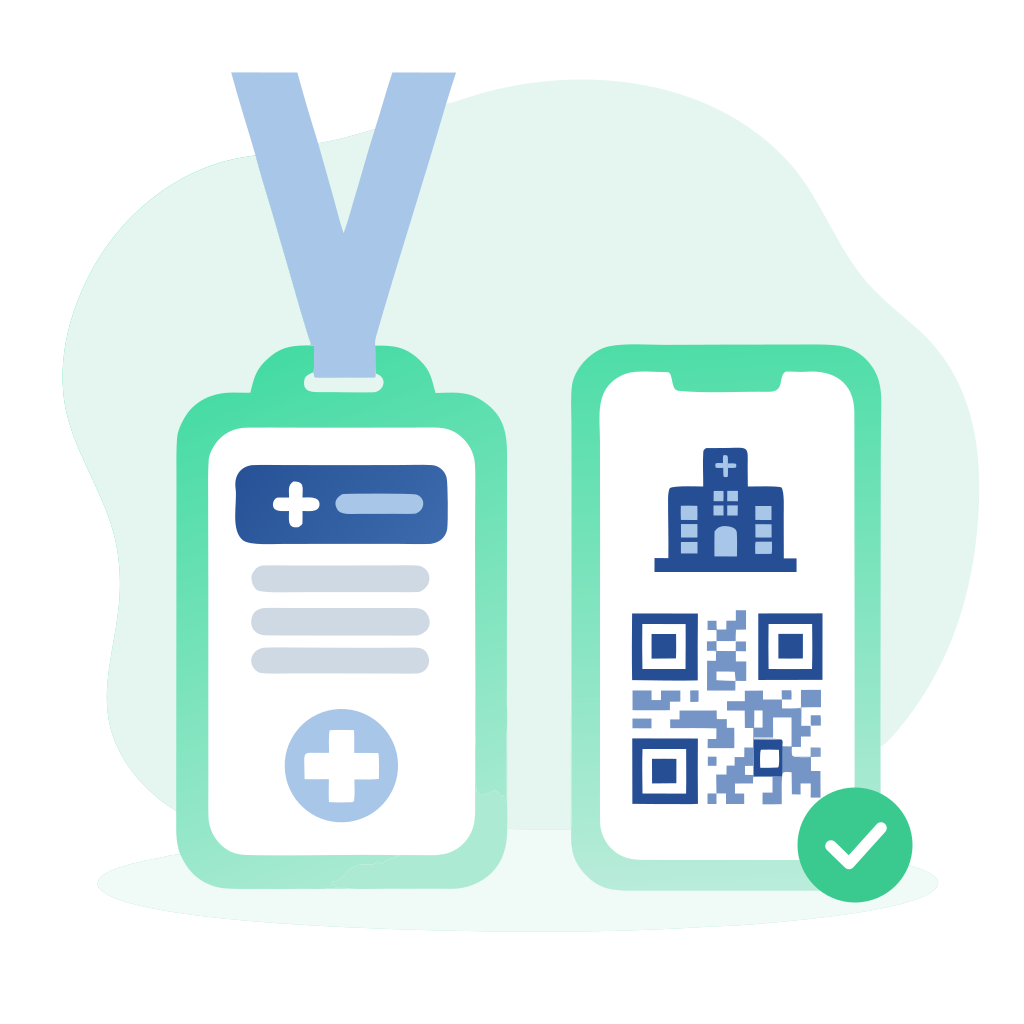
The QR code people show within their own organisation now says clearly that it is only for Supervisors there, with the organisation's name and logo. It also explains how to join a new organisation, so people can be confident they are sharing the right code.
Assigning a job description is quicker. Managers can now select all optional competencies in one tap, and competencies the person already holds are listed first, so it is clear which ones are new.
Competencies in renewal or being localised now show a progress bar on their tile, giving the same at-a-glance view as a first award.
We've also improved colour contrast throughout Compassly, so text and icons are easier to read.
Try it now in Compassly, or contact us to book a demo.

