
RELEASE NOTES
Protection against password guessing, checks that help people enter the right email address and simpler job description assignment in Compassly v3.9.
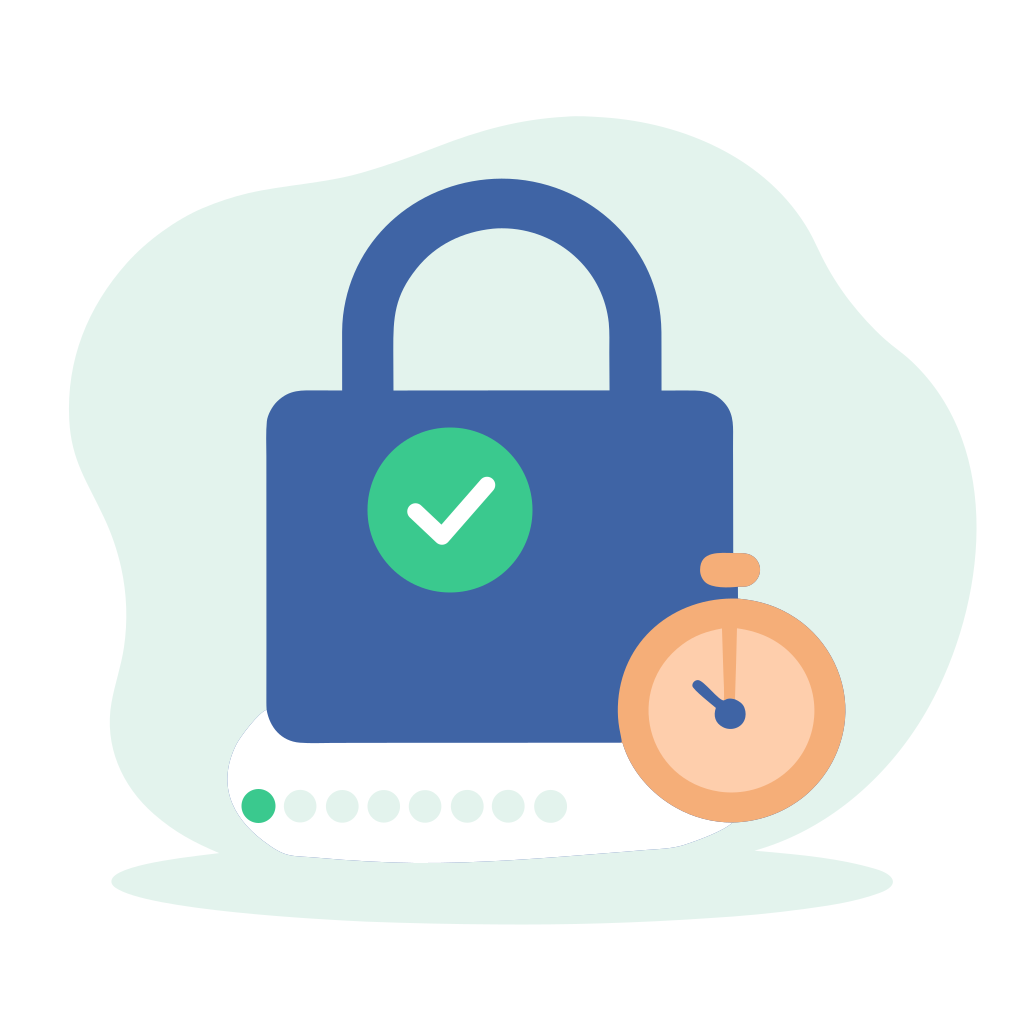
Compassly now protects accounts against password guessing within the app itself, adding to the protection already in place on our servers. We have done this to meet our security certification and to strengthen Compassly's overall security.
After several wrong passwords in a row, Compassly pauses login attempts on that account for a short time. Each further wrong attempt makes the pause longer, up to an hour, and a successful login resets it.
Nobody is locked out for good. You can wait for the pause to end or reset your password at any time.

A mistyped email address means a user cannot reset their password later. When someone registers, Compassly now shows their email address in large text and asks them to check it before carrying on.
When a Supervisor adds a new starter whose email address has not been verified, a clearer message asks them to check it with that person. Users whose email address is still unverified also see a reminder until they verify it.

When a competency appears in more than one job description template, the assignment screen now groups it into a single entry for a simpler overview. If it is Core in any of them it is pre-selected, and select all now covers every optional competency in one tap.
When renewing, reactivating or revalidating, the route is pre-selected if there is only one, and you are asked to choose one before you can carry on.
Admins can now hide organisation units, so they are no longer offered for new job descriptions while existing ones stay as they are. Supervisors adding someone can also see that the person will be bookmarked, and turn it off if they prefer.
Try it now in Compassly, or contact us to book a demo.

