Features / Built around clinical users
Across every module

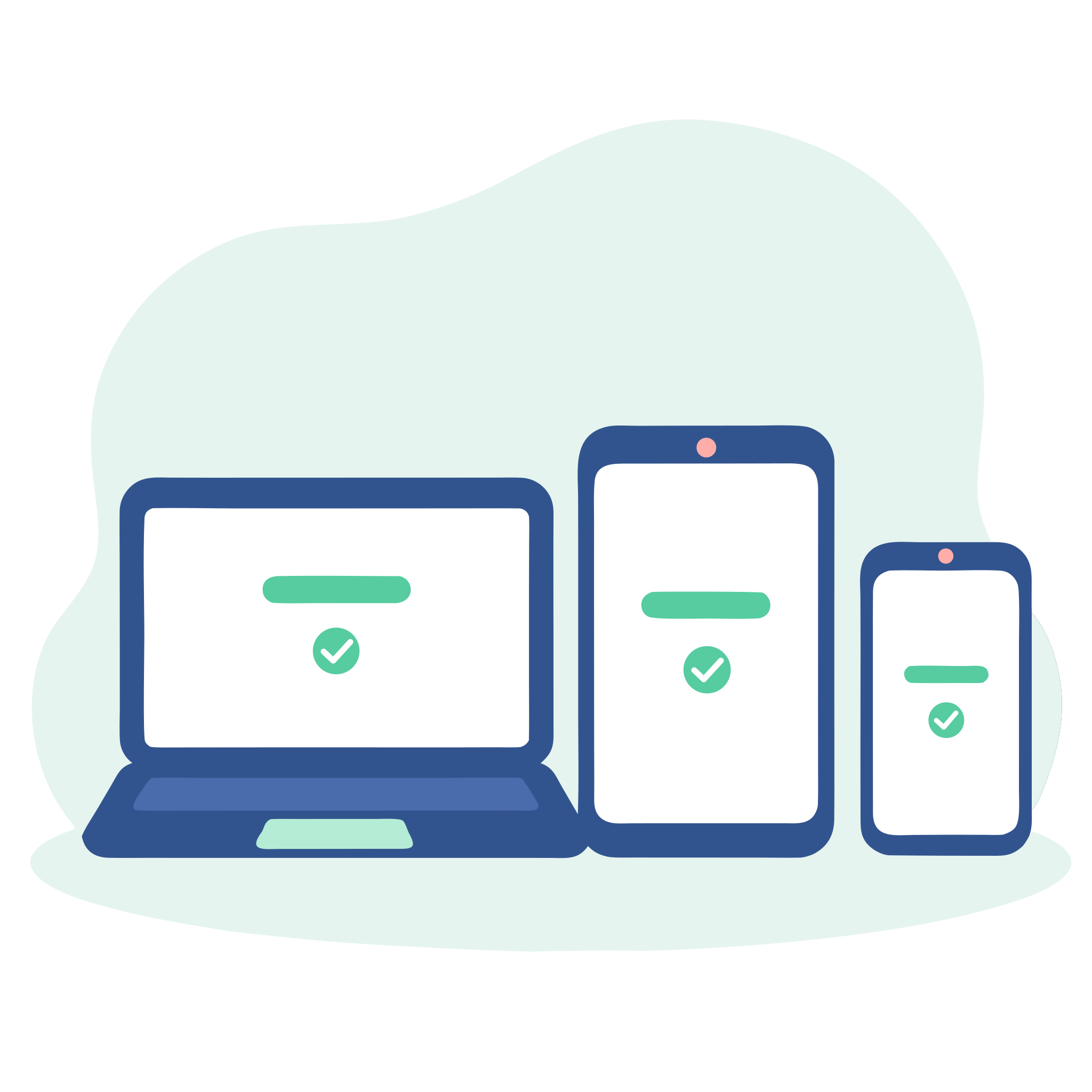
The full Compassly experience on every device

Clinical staff fit their learning around patients, shifts and visits. Compassly is built from the ground up for healthcare, with a full app experience on iPhone, Android and in any web browser, so staff can pick up their learning on whatever device is to hand and keep their time for care.

Designed for every device

Staff move between devices through the day, so Compassly works on all of them: as an app on iPhone and Android, and in any web browser on a computer or a phone. We've invested the time and effort to design every screen for the device it's on, so learning is as easy to work through on a phone at the bedside as on a monitor in the education centre.

A Supervisor might assess a practical procedure on a ward tablet, while a learner writes their answers on whichever device suits them.

Roll it out your way

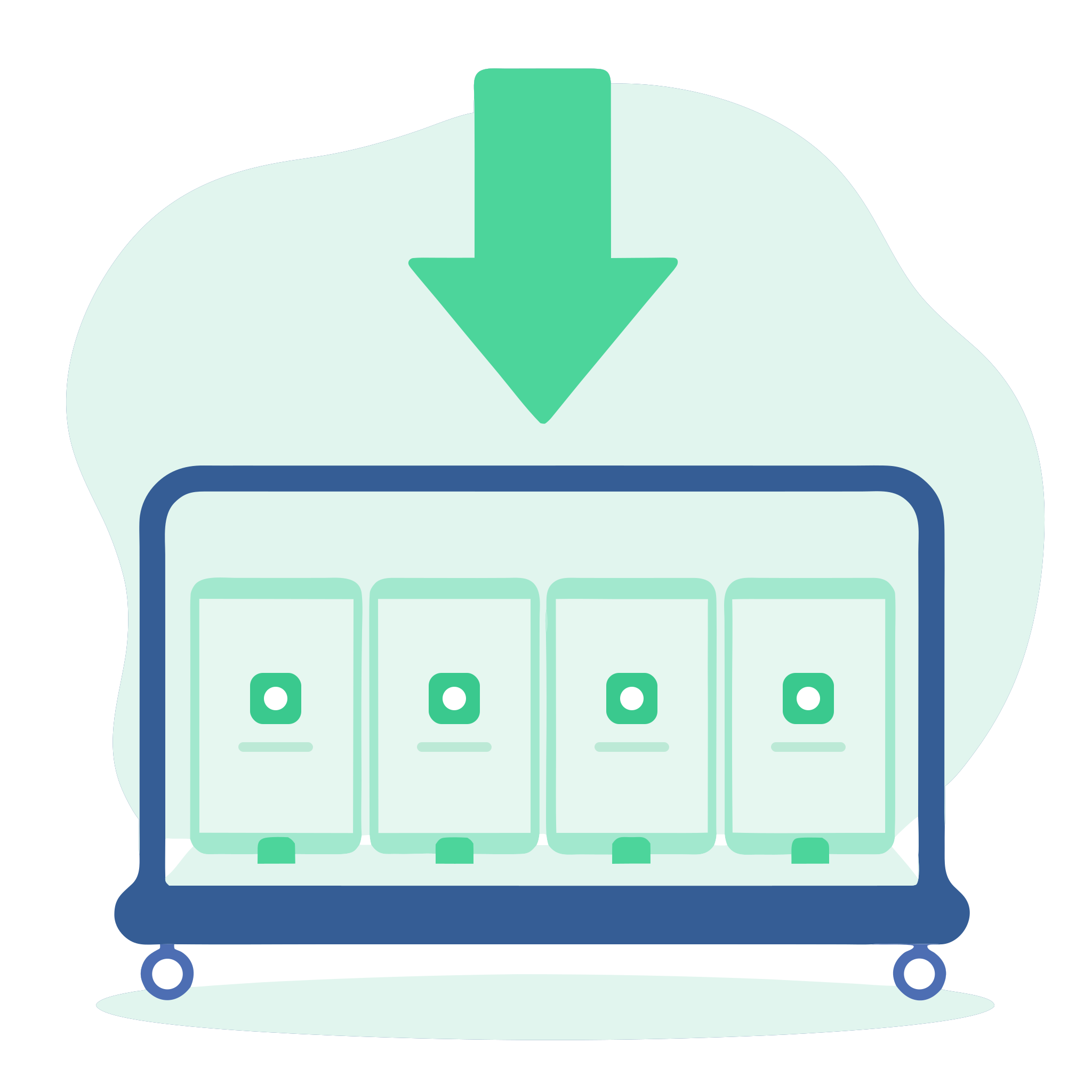
Because Compassly is a full app, your IT team can push it to ward phones and tablets through your mobile device management, so it is ready to use from day one. Where that isn't the approach your IT team takes, staff can use Compassly straight from the browser with nothing to install, or, where local policy allows, download it from the App Store or Google Play on their own devices.

Once staff have Compassly, getting them set up in your organisation is quick and well controlled, as our section on getting staff on board explains.

Intuitive from the first use

Time on a busy shift is precious, so ease of use has shaped every screen in Compassly. Each one gives the exact context needed and makes the next step clear, whether that is the stage to complete or the assessment waiting to be signed off.

However powerful and configurable Compassly is underneath, most clinical staff get going with a getting started guide or a quick overview from a colleague. Our online help centre always covers the latest version, so answers are there whenever anyone wants them.

Quick, secure sign-in

On their own phone, people can sign in with biometric ID, such as Face ID, Touch ID or fingerprint recognition on Android, where the device supports it. On a shared ward tablet, colleagues can switch between their accounts in moments, each entering only their own password.

Because Compassly keeps a full audit trail of every action, everybody works under their own personal login.

A human view of technology

Compassly is built from the ground up for healthcare, by a team with decades of healthtech experience, so it is designed for how healthcare really works: patchy signal on wards and community visits, staff using their own phones and data, and tablets that stay in service for years.

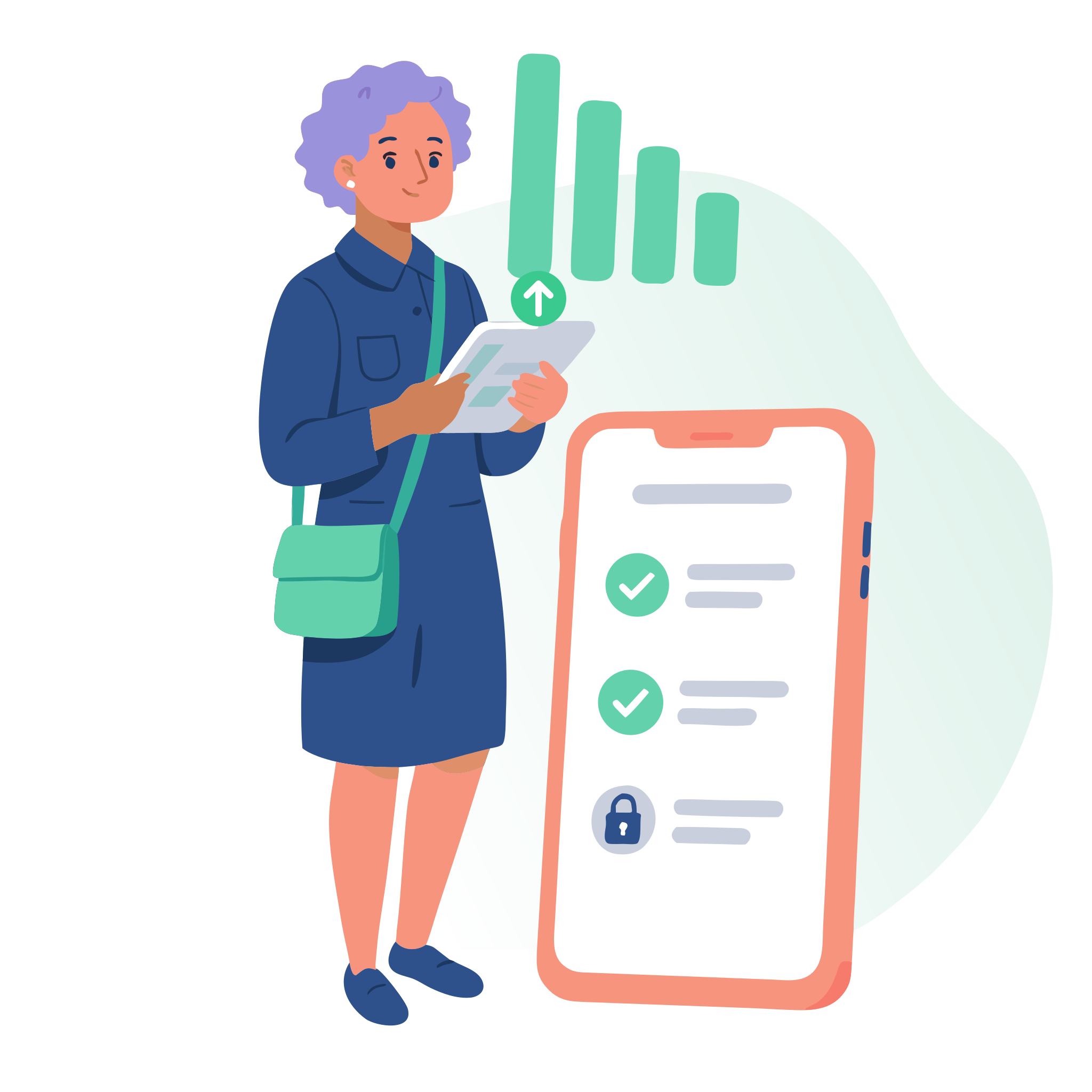
When the signal drops. As Compassly is a fully live system, it's important that it always works from the latest records, so it needs a connection to reflect the live status. If the signal drops part way through a stage, such as during an assessment, the answers are saved on the device and sent as soon as the connection returns, so people can carry on with confidence.

Light on mobile data. The size of each evidence file is restricted, so uploading and opening files is light on mobile data, while people can add as many files as they need.

Older devices. We keep Compassly working on older phones and tablets for as long as we safely can, so nobody is pushed into an upgrade when the app updates. If a device no longer meets Compassly's security requirements, people are shown guidance on what to do next.

See Compassly in action