

Features / Teams and organisation structure
Across every module

Your organisation's own structure, with teams that build themselves

Every organisation is arranged differently, across its own sites, wards, services and professions. Compassly is set up with your structure and your names, so teams fill themselves from each person's job description and supervisors can see and support everyone in their area from day one.

Your structure, your names

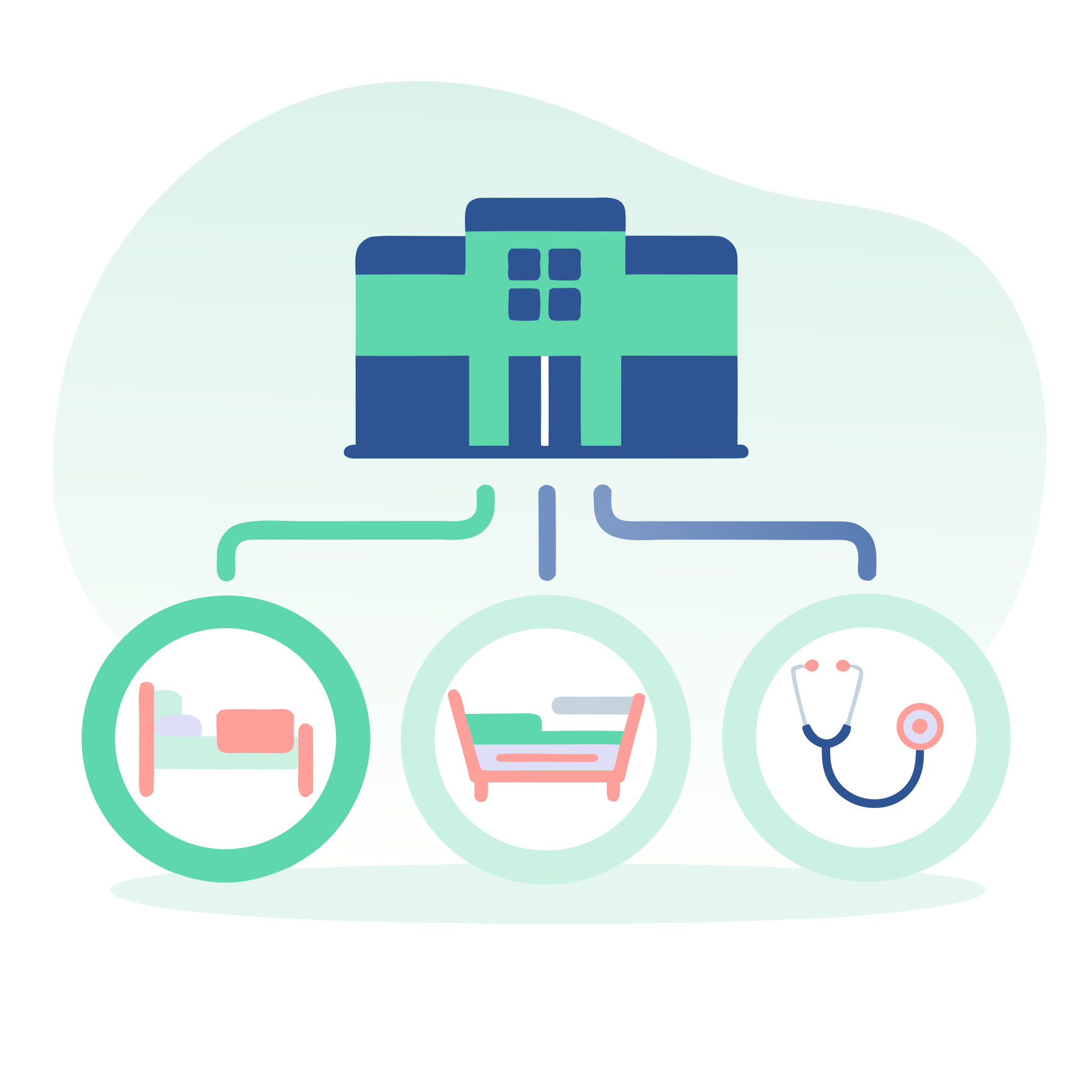
Compassly is set up with your own locations, such as wards, clinics and sites, your services, such as maternity or emergency care, and the roles people work in, such as nurse, midwife or physiotherapist. Because it uses the names your staff already know, everyone recognises where they sit from the start, and larger organisations can group locations by site to keep things easy to navigate.

Setting up that structure once pays off right through Compassly. It decides which teams people belong to and helps match the right competencies to each person's role, which our page on job descriptions and packages explains.

When a ward closes or a service is reorganised, the old unit can be retired, so it is no longer offered for new job descriptions while people already linked to it are unaffected. Your structure in Compassly keeps up with your organisation as it changes.
Read about job descriptions and packages

Teams that build themselves

A team in Compassly is any group of colleagues you define by location, service and role, such as everyone on Ward 7 or all dietitians across the organisation. People join the right teams automatically through their job description, so a new staff nurse on Ward 7 appears in the Ward 7 nursing team without anyone adding them by hand. Supervisors can then see and support everyone in their teams straight away, which suits wards and departments where any supervisor on shift may assess any colleague in the area.

Teams also have room for the way people really work. Bank staff, a colleague who covers a neighbouring ward or a specialist who works closely with a team can be added to it in the app, and they count as full members of the team until someone removes them, so supervisors see everyone they actually work alongside.

See who needs attention

Supervisors spend their time on the people they support, so Compassly keeps everything they need in one place.

Every colleague, one list. On the Colleagues tab, Supervisors switch between one team, all their teams together, the colleagues they have bookmarked and their programme cohorts, with competencies, programmes or both shown side by side. Filters pick out people with work awaiting review, due soon, late or expired, so it is quick to see who needs attention today, and a search finds anyone by name.

Bookmarks. Each Supervisor keeps a personal list of the colleagues they work with most closely, such as new starters, whichever teams those people belong to. The list keeps itself up to date as people join and leave the organisation, and it opens first, with competency totals at a glance.

Details that save a support call. Supervisors with the right permission can see who added a colleague, which email address they use, whether it is verified and when they last signed in, which makes access problems quick to sort out. Each organisation decides who can see these details, with Super Manager as the default.

Colleagues without Supervisor access can see who is in their team and each person's supervision level, so they know who to ask when they are ready to be assessed.

Oversight across several teams

Some people, such as education leads, need oversight across several teams without being part of them, so they can be added as Observers. Observers can do everything a Supervisor in the team can, including assessing, without appearing in the team list or its figures, so each team's numbers stay a true picture of the team. Our page on reporting explains how leaders follow progress across your organisation.

See Compassly in action